


Table of Contents
Why Shopify Image Optimization Can Make or Break Your Store
Have you ever clicked away from an online store because it took forever to load? You’re not alone. Studies show that 53% of mobile users abandon sites that take longer than 3 seconds to load – and images are typically the biggest culprits behind slow page speeds.
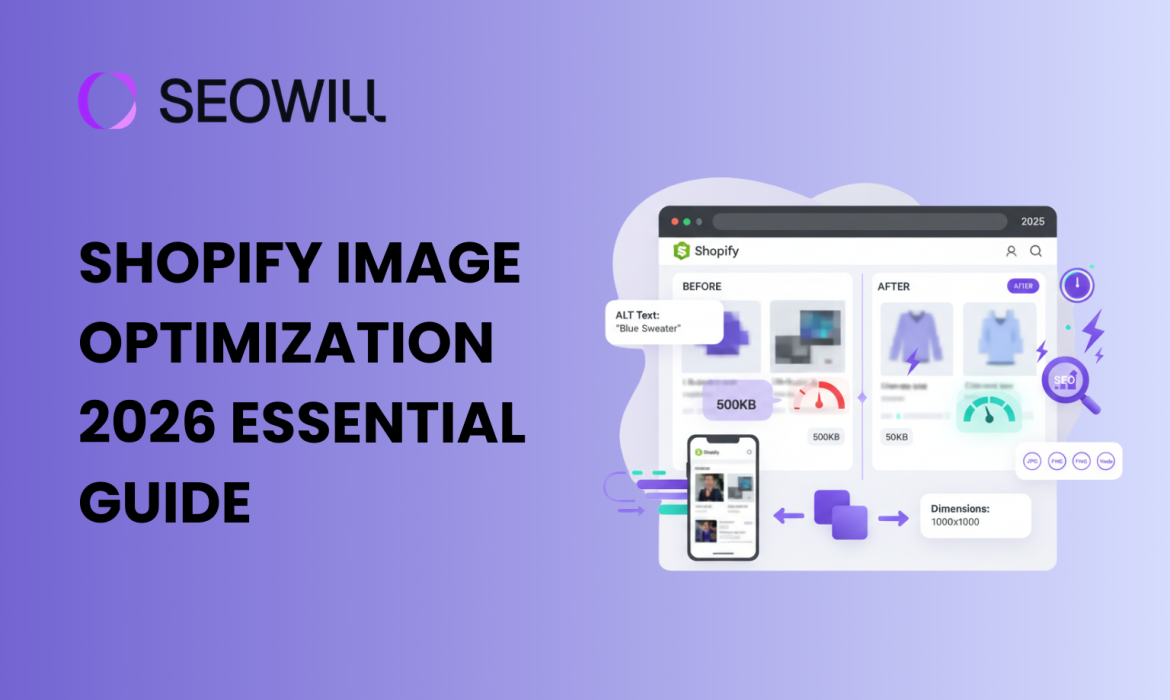
In 2025, image optimization isn’t just a technical nicety – it’s a fundamental requirement for e-commerce success. Your product images need to look stunning while loading lightning-fast. The good news? With the right techniques, you can have both.
This beginner-friendly guide will walk you through everything you need to know about optimizing images for your Shopify store. Whether you’re launching your first store or looking to improve your existing site’s performance, you’ll discover actionable strategies that deliver real results.
What You’ll Learn:
- The best image formats for Shopify in 2026
- Optimal image sizes and dimensions
- Compression techniques that preserve quality
- ALT text and file naming for better SEO
- Shopify’s built-in optimization tools
- Common mistakes and how to avoid them
Let’s transform your store’s images from performance killers into conversion boosters.
Understanding Why Image Optimization Matters
The Impact on Page Speed

Images typically account for 50-80% of a webpage’s total size. An unoptimized product page might load 15MB of images when it could load 2MB with proper optimization. That difference translates directly to:
- Faster page loads: Optimized images load 3-5x faster
- Better mobile experience: Critical when 70%+ of e-commerce traffic comes from mobile
- Lower bounce rates: Every second of delay increases abandonment by 7%
- Improved server performance: Less bandwidth means lower hosting costs
The SEO Connection
Google has made page speed a ranking factor, and images play a major role. Well-optimized images also contribute to SEO through:
- Descriptive ALT text that helps Google understand image content
- Optimized file names that signal relevance to search engines
- Faster Core Web Vitals scores that boost search rankings
- Image search traffic from Google Images
The Conversion Factor
High-quality product images directly influence buying decisions:
- Products with quality images have 94% higher conversion rates
- Shoppers examine an average of 6 images before making a purchase
- Zoom functionality and multiple angles increase trust and reduce returns
The challenge is delivering this visual excellence without sacrificing performance. That’s where optimization comes in.
Choosing the Right Image Formats
WebP: The Modern Standard
WebP has emerged as the gold standard for e-commerce images in 2026. This format delivers:
- 25-35% smaller file sizes than JPEG at equivalent quality
- Transparency support like PNG
- Animation support like GIF
- Universal browser support (all major browsers now support WebP)
Best for: Product images, hero banners, category images, lifestyle photography
Pro Tip: Shopify’s CDN automatically serves WebP versions to supported browsers, but uploading optimized WebP files gives you even better results.
JPEG: The Reliable Workhorse
JPEG remains excellent for:
- Complex photographs with many colors
- Images where file size isn’t critical
- Maximum compatibility with older systems
Best for: Detailed product photography, lifestyle images, backgrounds
PNG: When You Need Transparency
PNG is your go-to format for:
- Logos with transparent backgrounds
- Icons and graphics with sharp edges
- Product images that need to overlay different backgrounds
Important: PNG files are significantly larger than WebP or JPEG. Use only when transparency is essential.
Format Selection Cheat Sheet
| Image Type | Recommended Format | Fallback |
| Product Photos | WebP | JPEG |
| Hero Banners | WebP | JPEG |
| Logos | WebP (with transparency) | PNG |
| Icons | SVG | PNG |
| Thumbnails | WebP | JPEG |
Optimal Image Sizes and Dimensions
Shopify’s Recommended Dimensions
Getting your image dimensions right before uploading prevents Shopify from doing unnecessary processing and ensures sharp display across devices:
Product Images:
- Square format: 2048 x 2048 pixels (recommended)
- Minimum: 1024 x 1024 pixels
- Aspect ratio: Consistent across all products (1:1 works best)
Collection/Category Images:
- Featured: 1200 x 600 pixels
- Standard: 800 x 600 pixels
Hero/Slideshow Banners:
- Full-width: 1920 x 600 to 1920 x 800 pixels
- Mobile-optimized: Consider 750 x 600 pixels for mobile-first design
Logo:
- Header: 250 x 100 pixels (or proportional)
- Favicon: 32 x 32 pixels
File Size Targets
Even with correct dimensions, file sizes matter:
| Image Type | Target File Size |
| Product Images | 200-300 KB |
| Hero Banners | Under 500 KB |
| Thumbnails | Under 100 KB |
| Icons/Logos | Under 50 KB |
Compression Techniques That Preserve Quality
Understanding Lossy vs. Lossless Compression

Lossy compression removes some image data permanently to achieve smaller files. At 80-85% quality, the difference is virtually invisible to human eyes.
Lossless compression reduces file size without removing any image data. Results in larger files but perfect quality preservation.
Recommendation: Use lossy compression at 80-85% quality for product images. The size savings far outweigh the minimal quality reduction.
Free Compression Tools
TinyPNG
- Browser-based, no installation needed
- Handles PNG, JPEG, and WebP
- Free for files under 5MB
SEOAnt
- Advanced mage compression tool
- Real-time quality preview
- Format conversion
ImageOptim (Mac only)
- Desktop application
- Batch processing capability
- Lossless and lossy options
Shopify’s Built-In Compression
Shopify automatically compresses images uploaded to your store through their CDN (Content Delivery Network). However, uploading pre-optimized images gives better results:
- You control the quality/size balance
- Faster upload times
- Consistent optimization across your catalog
ALT Text and File Naming for SEO
Crafting Effective ALT Text
ALT text (alternative text) serves two crucial purposes: accessibility for visually impaired users and SEO signals for search engines.
ALT Text Best Practices:
✅ Be descriptive and specific:
- Good: “Blue leather bifold wallet with RFID blocking technology”
- Bad: “wallet” or “product image”
✅ Include relevant keywords naturally:
- Good: “Women’s running shoes in coral pink, side view”
- Bad: “running shoes women shoes athletic shoes sneakers”
✅ Keep it concise:
- Aim for 125 characters or less
- Describe what’s actually in the image
✅ Avoid keyword stuffing:
- Google penalizes obvious manipulation
- Write for humans first, search engines second
Optimizing File Names
Rename your image files before uploading—”IMG_4521.jpg” tells search engines nothing.
File Naming Best Practices:
✅ Use descriptive, hyphenated names:
- Good:
mens-oxford-shirt-navy-blue.jpg - Bad:
IMG_4521.jpgorshirt1.jpg
✅ Include primary keywords:
- Good:
organic-cotton-yoga-mat-purple.webp - Bad:
yoga-mat-final-v2-edited.webp
✅ Keep it lowercase:
- URLs are case-sensitive on some servers
- Consistency prevents errors
✅ Use hyphens, not underscores:
- Google reads hyphens as word separators
blue-dress.jpgnotblue_dress.jpg
Implementing Responsive Images and Lazy Loading
Responsive Images
Your images should adapt to different screen sizes without loading unnecessarily large files on mobile devices.
Good news: Shopify themes automatically generate multiple image sizes and serve appropriate versions based on device. However, you can help by:
- Uploading high-resolution source images (Shopify will create smaller versions)
- Using themes with proper responsive image implementation
- Testing your site on multiple devices
Lazy Loading
Lazy loading delays loading images until they’re about to enter the viewport. This dramatically improves initial page load times.
Implementation: Most modern Shopify themes include lazy loading by default. To verify:
- Open your store in Chrome
- Right-click an image below the fold
- Select “Inspect”
- Look for
loading="lazy"attribute
If your theme doesn’t support lazy loading, consider upgrading or installing a performance optimization app.
Your Image Optimization Checklist
Use this checklist for every image you upload:
Format: WebP for products, PNG only for transparency
Dimensions: 2048 x 2048 pixels for products
File size: Under 300KB for products, under 500KB for banners
File name: Descriptive, hyphenated, lowercase
ALT text: Specific, natural, under 125 characters
Compression: 80-85% quality for optimal balance
Consistency: Same dimensions across product category
Mobile test: Verify appearance on mobile devices
Conclusion: Start Optimizing Today
Image optimization isn’t glamorous, but it’s one of the highest-impact improvements you can make to your Shopify store. Faster loading times, better SEO rankings, and improved conversion rates—all from images that look just as good (or better) than before.